

Navigation
Move around the canvas
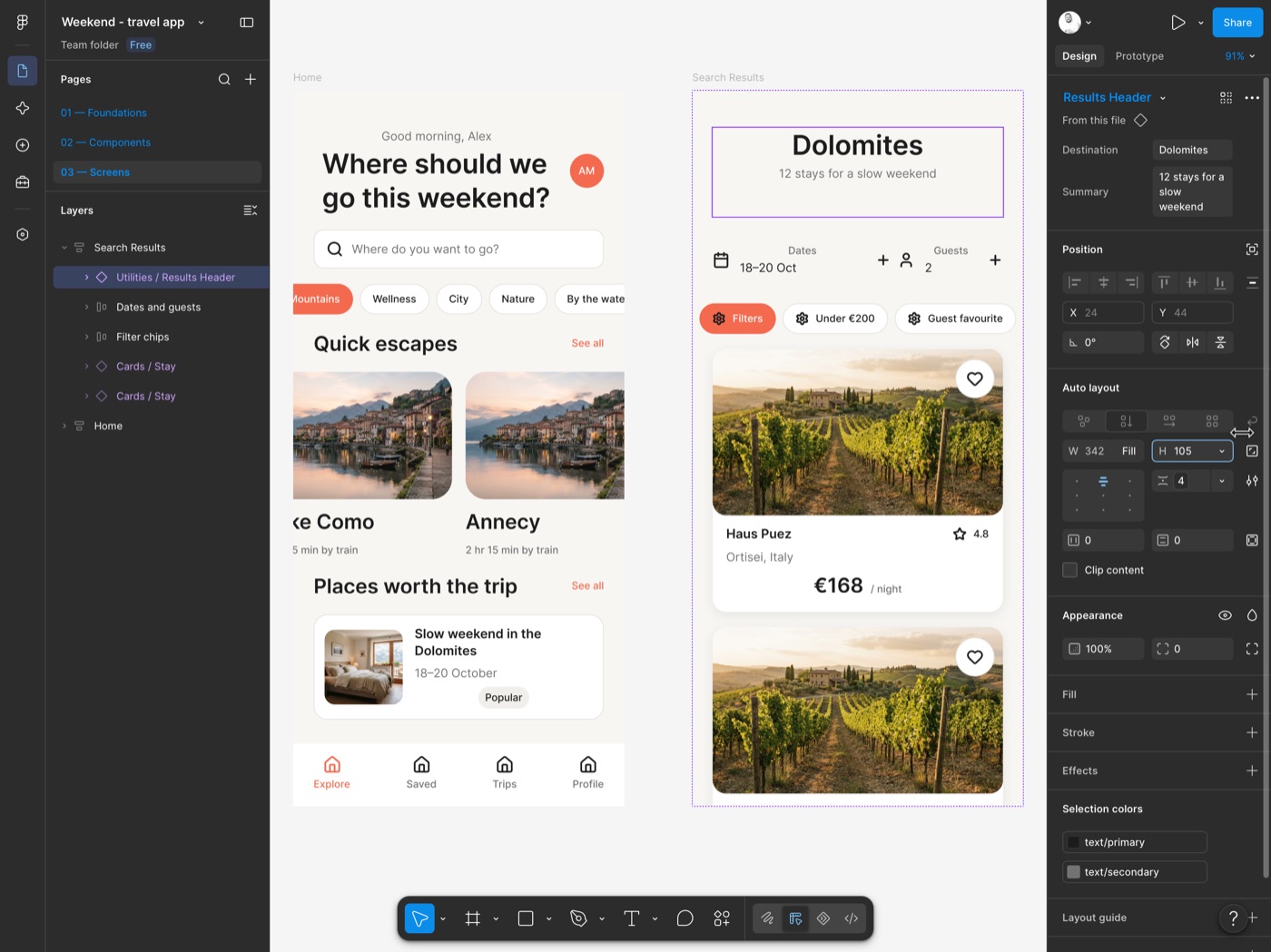
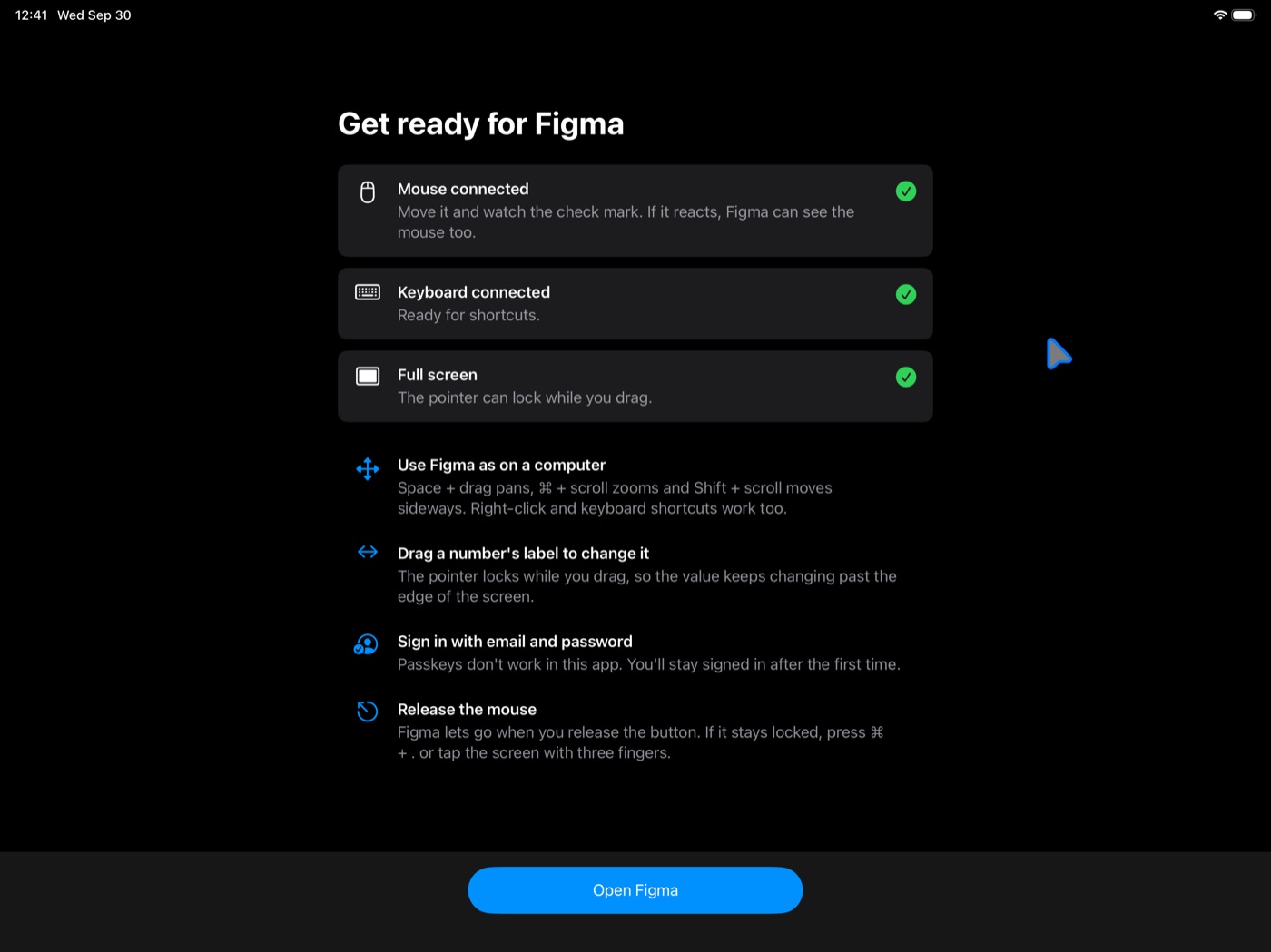
Space + drag pans. ⌘ + scroll zooms, and Shift + scroll moves sideways. In Safari on iPad, ⌘ + scroll pans instead, because iPadOS doesn't pass the ⌘ key along with scrolling.
iPad browser · Open source
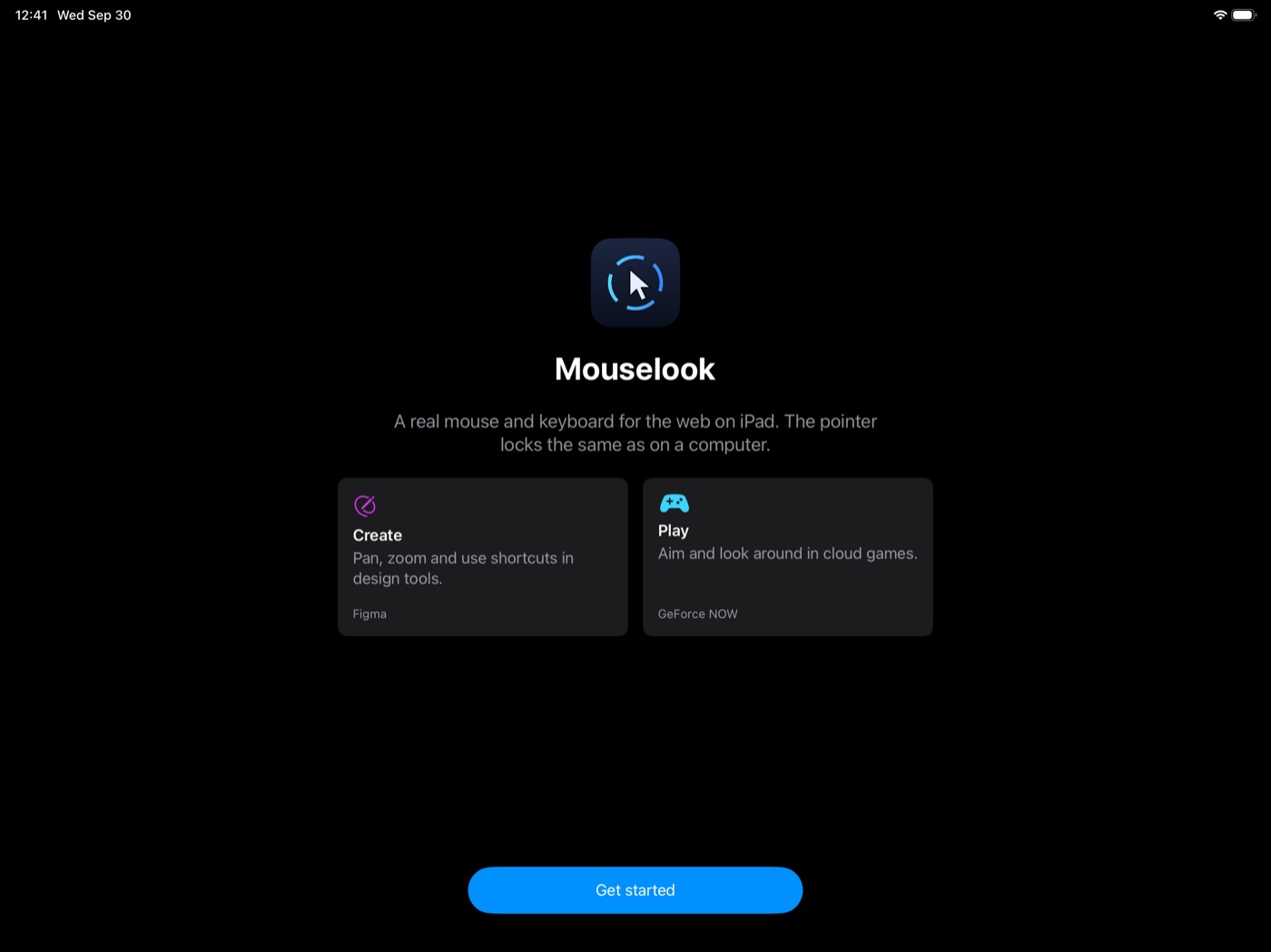
Mouselook makes Figma treat your iPad as a desktop browser. Pan with Space + drag, zoom with ⌘ + scroll, right-click, use your keyboard shortcuts, and drag without the pointer stopping at the edge of the screen.
When work is done, use the same iPad for GeForce NOW with mouse-look: move the camera without the pointer hitting the edge of the screen.
App Store release: €9.99, one-time. No subscription.
01In Figma
Navigation
Space + drag pans. ⌘ + scroll zooms, and Shift + scroll moves sideways. In Safari on iPad, ⌘ + scroll pans instead, because iPadOS doesn't pass the ⌘ key along with scrolling.
Keyboard
Figma sees a desktop browser, so its shortcuts work as on a computer. Modifier keys work with the mouse too: Shift + click selects several layers, ⌥ + drag duplicates.
iPadOS keeps a few shortcuts for itself, such as ⌘ + Tab.
Mouse
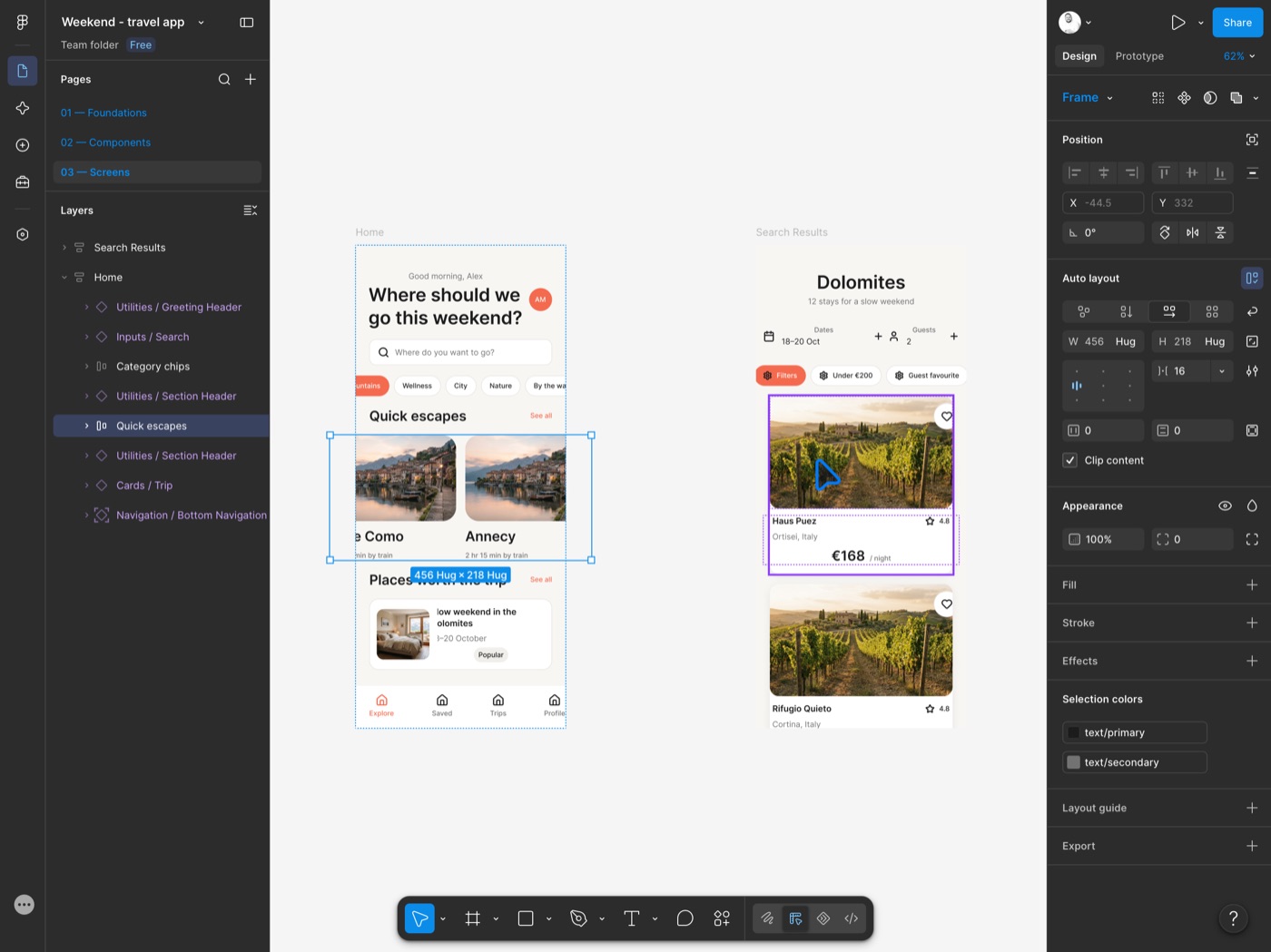
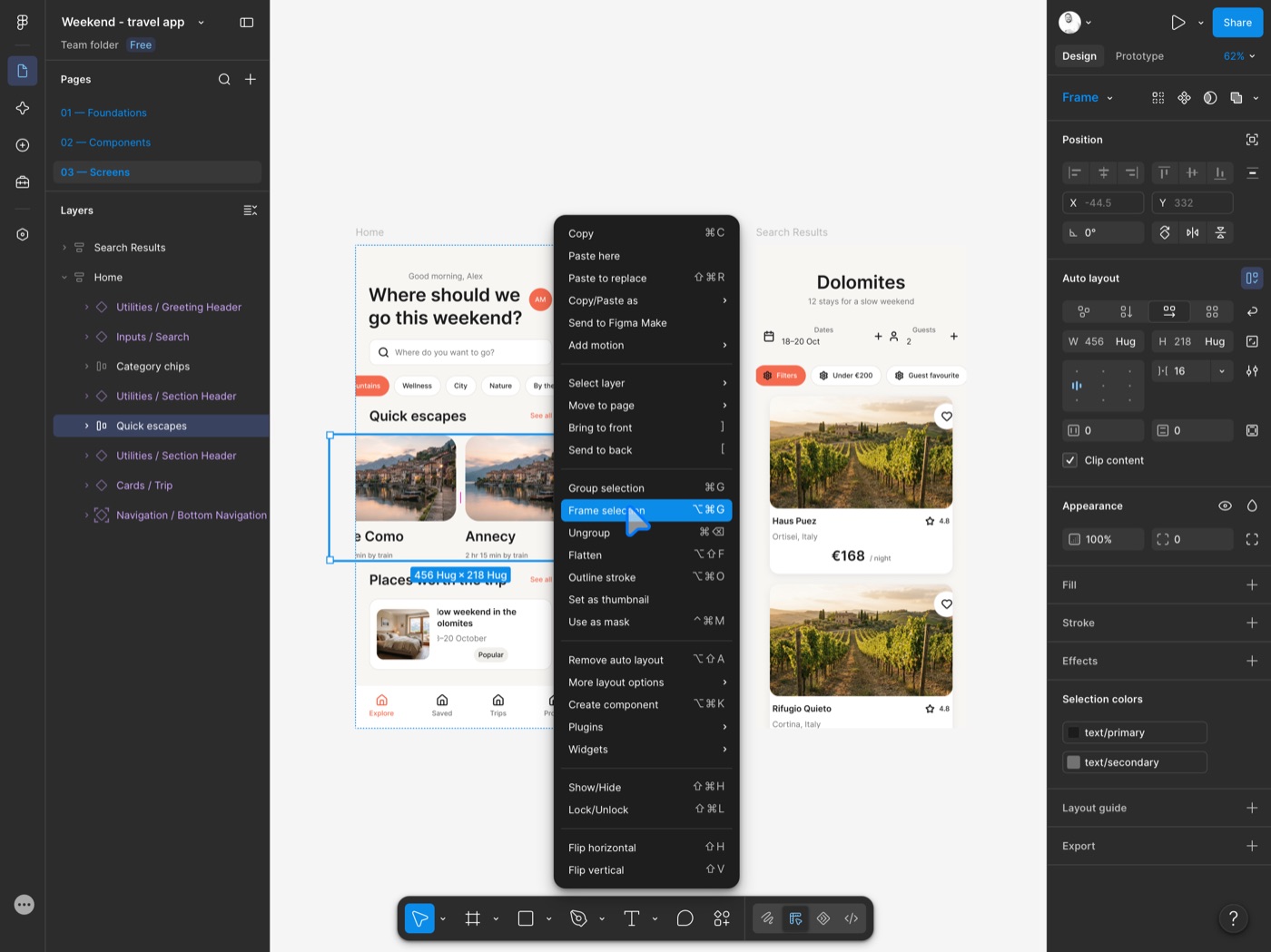
Right-click opens Figma's context menus. Drag a number field, such as X or width, and the pointer locks, so the value keeps changing past the edge of the screen.
Shortcuts tested on an iPad
Other browser-based design tools may work too. They are tested on a real iPad before they are added. Suggest a design tool
02After work
The same iPad, mouse and keyboard work for cloud games too. Mouselook gives them the input they need for aiming and camera movement, without the screen edge getting in the way.
Tested
Click into a game and use the mouse to look around. Hold Esc for a second to get the pointer back; a quick tap still reaches the game.
Tested
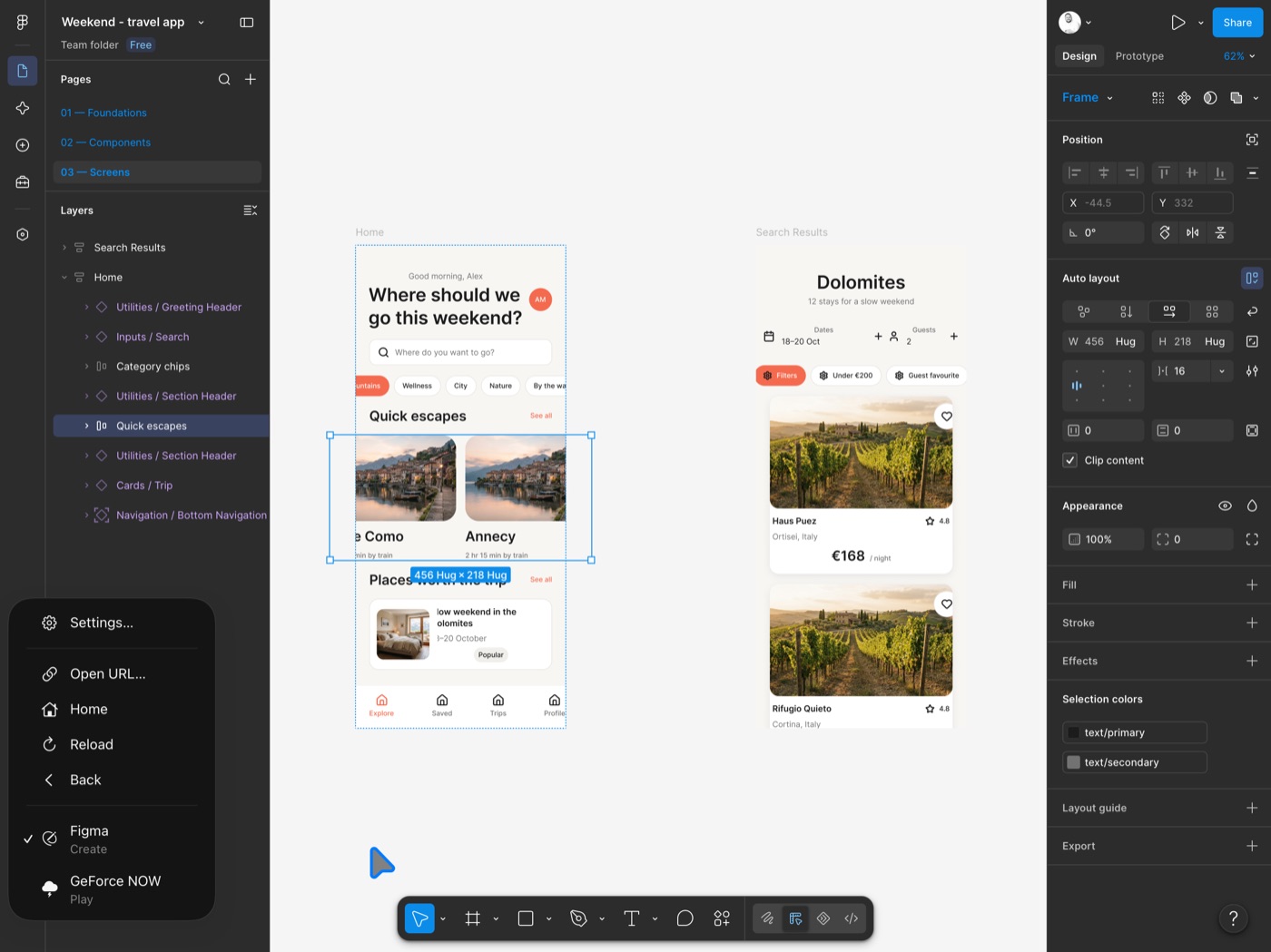
Mouselook can keep a GeForce NOW session active in the background for a few minutes, so a quick app switch does not end the game.
Not tested
Other browser-based services may work too. Open one from the ⋯ menu and tell us how it goes.
03How to get it
The whole app is on GitHub under the Apache License 2.0.
Read the code, file an issue, send a pull request, or build it with Xcode for your own iPad.
github.com/mattonik/mouselookA signed build, installed in one tap and kept up to date.
€9.99 once. No subscription, account or in-app purchases. Currently in public testing via TestFlight.
Not on the App Store yetTry the app before launch in a small beta.
Use it with your own Figma files or games and tell us where it gets in the way.
Join on TestFlight04Beta
Open the link on your iPad. Apple's TestFlight app installs the beta and keeps it up to date. Places are limited; if the beta is full, try again later.
Before you sign in: passkeys and security keys don't work in Mouselook. Have your password ready, and a second step that isn't a passkey, such as a code from your authenticator app.
Use it with a real Figma file or game and tell us what got in the way: send feedback from the TestFlight app, or write to mouselook@icebear.sk.
05Good to know
Mouselook is made by IceBear, an independent product design practice. It is not affiliated with, endorsed by or sponsored by Figma or NVIDIA. Figma is a trademark of Figma, Inc.; GeForce NOW is a trademark of NVIDIA Corporation.